Authentication & Access
User authentication, password management, and API access in Central Set Go
🔐 Authentication & Access
Central Set Go (CSGO) provides a unified authentication system used consistently across:
- The Admin UI
- The REST API
- External integrations and automation
This section documents each authentication-related feature with:
- The UI screen
- The user workflow
- The exact API call backing that screen
🧠 The Admin UI is just another API client.
Everything you can do in the UI can be done programmatically.
Login
The login process authenticates a user and returns a JWT token used for all subsequent API requests.
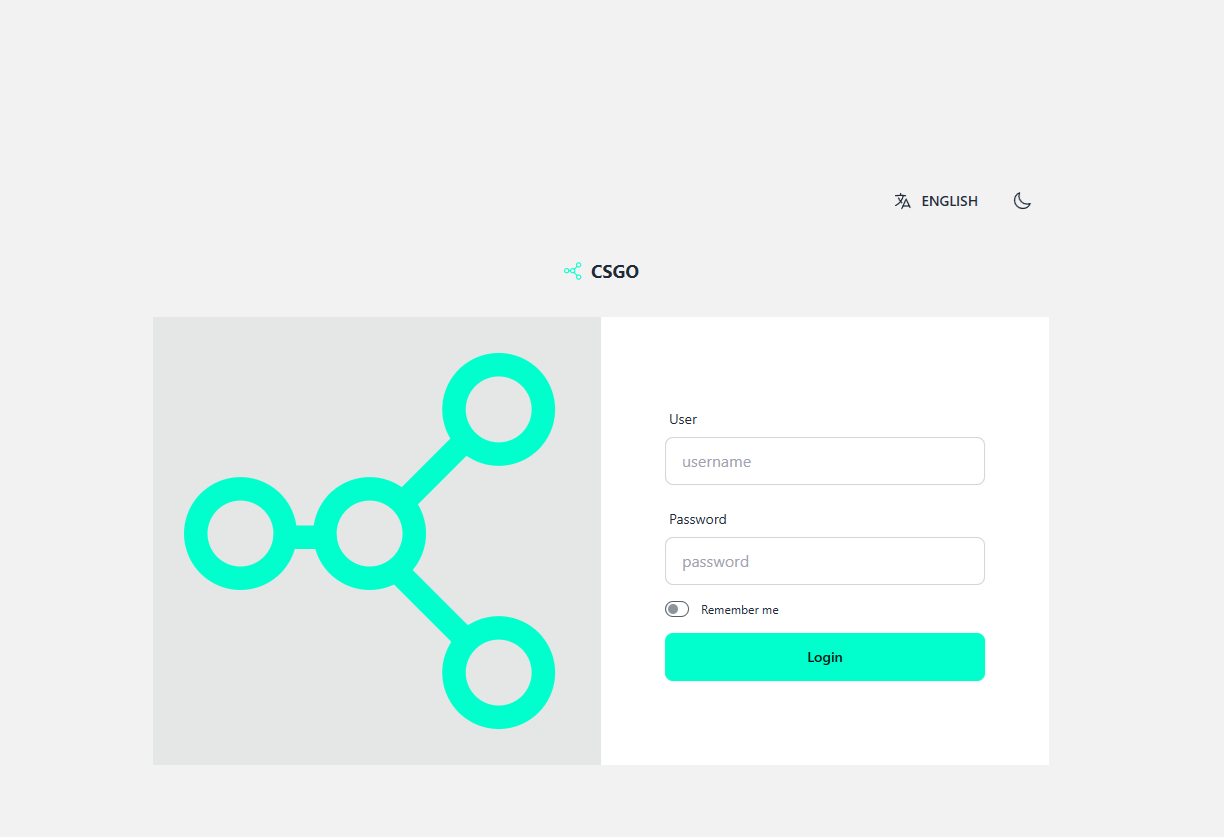
Login Screen
The login screen is the entry point to CSGO.
- Users provide their username and password
- Language and theme (light/dark) can be selected
- Optionally supports “Remember me”
Light mode
Dark mode
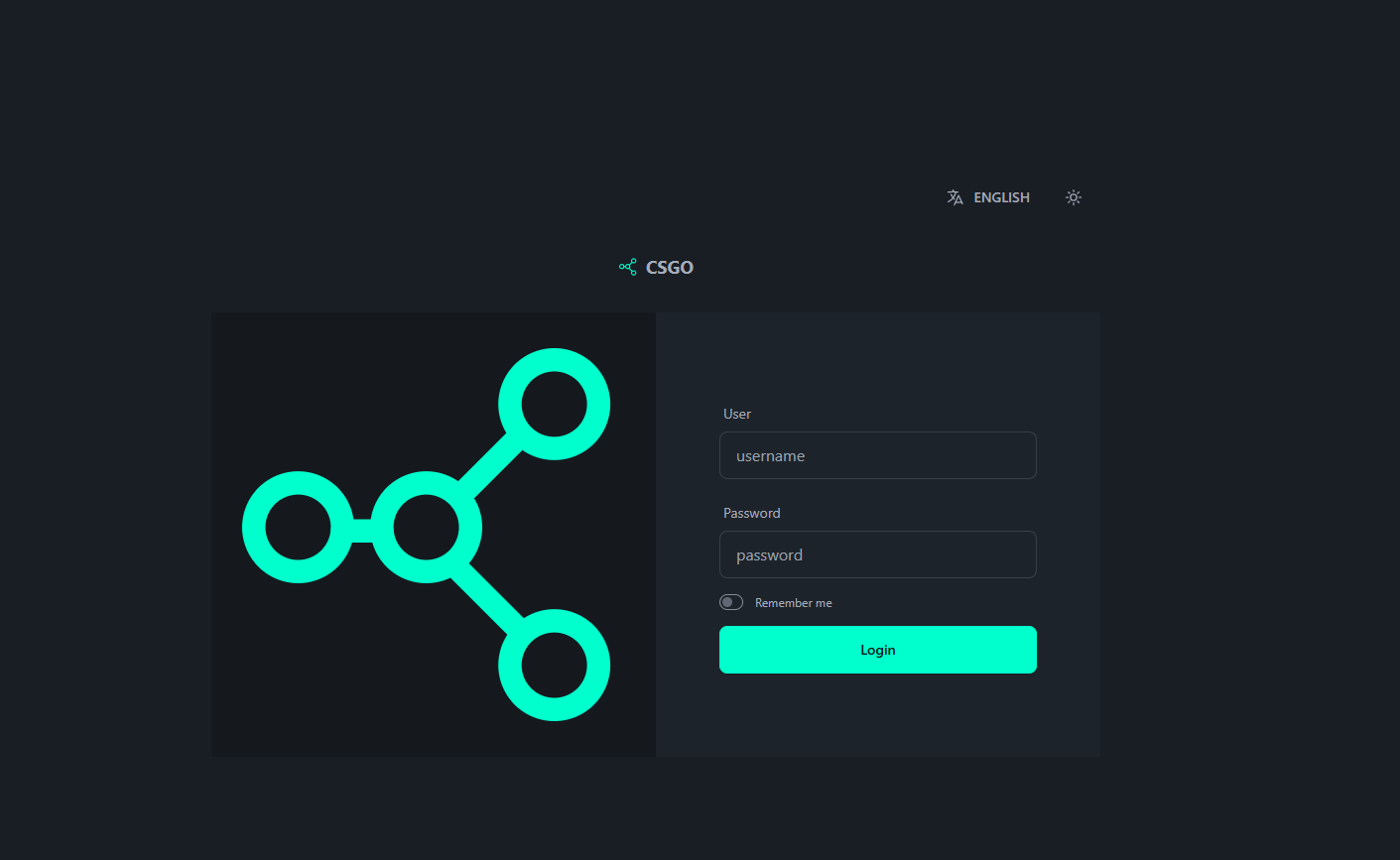
Once authenticated, the user is redirected to the main admin interface and the token is stored client-side.
Login API
Endpoint
POST /dyn_api/login/login
Authenticates a user and returns a JWT token.
This endpoint:
- Does not require authentication
- Is the entry point for all user sessions
Headers
Content-Type: application/json
Request Body
  {
  "lang": "pt",
  "data": {
    "username": "root",
    "password": "1234"
  }
}
Parameters
| Field | Description |
|---|---|
lang | Language code (pt, en, es, …) |
data.username | User login name |
data.password | User password (encrypted in transit) |
Response
  {
  "success": true,
  "token": "<JWT_TOKEN>",
  "user": {
    "user_id": 1,
    "username": "root",
    "first_name": "Super",
    "last_name": "Admin",
    "email": "root@domain.com",
    "role_id": 1,
    "lang_id": 1
  }
}
The returned token must be sent in all subsequent requests:
Authorization: Bearer <JWT_TOKEN>
Change Password
Users can change their own password from the UI or via the API.
API Access & Tokens
CSGO uses JWT-based authentication for all protected endpoints.
Tokens are issued at login
Tokens encode:
- User ID
- Username
- Role assignments
- Permissions
Token expiration is configurable
Using the Token
All authenticated requests must include:
Authorization: Bearer <JWT_TOKEN>
Security Model
- UI and API share the same RBAC rules
- Permissions are enforced server-side
- Tokens cannot bypass UI restrictions
LDAP Authentication (Optional)
Central Set Go supports direct authentication against an LDAP directory instead of the internal users table.
When LDAP authentication is enabled:
- The Login UI remains exactly the same
- The Login API endpoint remains exactly the same
- Credentials are validated against LDAP
- User records are resolved dynamically, not stored locally
- Roles and permissions are still managed inside CSGO
🔁 UI and API do not change — only the authentication backend does.
How LDAP Authentication Works
A user submits credentials via:
- Login UI or
POST /dyn_api/login/login
CSGO validates credentials against the configured LDAP server
If authentication succeeds:
- A JWT token is issued
- The user session behaves like a normal CSGO user
Authorization (roles, permissions) is still enforced by CSGO
Enabling LDAP Authentication
LDAP authentication is enabled entirely via environment variables.
.env Configuration
  # Enable / Disable LDAP authentication
USE_LDAP_AUTH=false

# LDAP connection
LDAP_URL=ldap://localhost:1389
LDAP_BIND_USER=cn=admin,dc=example,dc=com
LDAP_PASSWORD=admin
LDAP_BASE_DN=dc=example,dc=com

# TLS / certificate behavior
LDAP_SKIP_VERIFY_CERT=true

# User lookup filter
LDAP_SEARCHREQ_FILTER="(|(uid=%[1]s)(cn=%[1]s)(mail=%[1]s))"
Key Variables Explained
| Variable | Description |
|---|---|
USE_LDAP_AUTH | Enables LDAP authentication when set to true |
LDAP_URL | LDAP server URL |
LDAP_BIND_USER | Bind DN used for authentication |
LDAP_PASSWORD | Password for the bind user |
LDAP_BASE_DN | Base DN for user searches |
LDAP_SKIP_VERIFY_CERT | Skip TLS certificate verification |
LDAP_SEARCHREQ_FILTER | User search filter (supports username, CN, email) |
Login Flow with LDAP Enabled
Login UI (Unchanged)
The login screen remains exactly the same:
- Username
- Password
- Language
- Theme
The user does not need to know whether authentication is backed by:
- Local users table
- LDAP directory
Login API (Unchanged)
Endpoint
POST /dyn_api/login/login
Request Body
  {
  "lang": "en",
  "data": {
    "username": "jdoe",
    "password": "secret"
  }
}
CSGO will:
- Resolve
jdoevia the configured LDAP filter - Bind and authenticate against LDAP
- Issue a JWT token on success
Authorization with LDAP Users
LDAP handles authentication only.
CSGO remains responsible for:
- Roles
- Permissions
- App / menu / table access
- API authorization
This allows you to:
Centralize identity in LDAP
Keep fine-grained access control inside CSGO
Use the same RBAC model for:
- Local users
- LDAP users
- Service tokens
Tested LDAP Setup
LDAP authentication has been tested using:
LDAP Server
osixia/openldap:1.5.0LDAP Admin UI
osixia/phpldapadmin:0.9.0
Both managed via Docker.
This setup is suitable for:
- Local development
- Testing
- Integration with enterprise LDAP-compatible directories
Summary
CSGO authentication supports:
- ✅ Local users (database-backed)
- ✅ LDAP-backed authentication
- ✅ Unified UI and API login flow
- ✅ JWT-based sessions
- ✅ Centralized authorization
🔧 Switch authentication backends without changing your UI or API clients.
Next
👉 Security & Permissions Learn how roles, permissions, and table-level access control apply to both local and LDAP-authenticated users.
Last updated 19 2026, 20:10 -01 .