Applications
Applications define how databases are exposed as admin interfaces in Central Set Go.
Overview
After a successful login, the user is automatically redirected to the default application they have access to.
By default, this application is ADMIN.
An Application in Central Set Go (CSGO):
- Represents a logical admin interface
- Is linked to one database
- Groups menus and tables
- Defines what data the user can manage
- Drives both UI rendering and API exposure
Applications are not code artifacts. They are database-backed configuration objects.
Default Application: ADMIN
Every CSGO instance ships with a built-in ADMIN application.
The ADMIN app allows you to:
- Manage users and roles
- Define permissions
- Create additional applications
- Configure menus and tables
- Extend itself by adding new tables and menus
- Customize datatables and forms
- Manage access keys and API tokens
You can treat ADMIN as:
- A system control panel
- A bootstrap admin UI
- Or a regular application that you extend over time
UI: Applications List
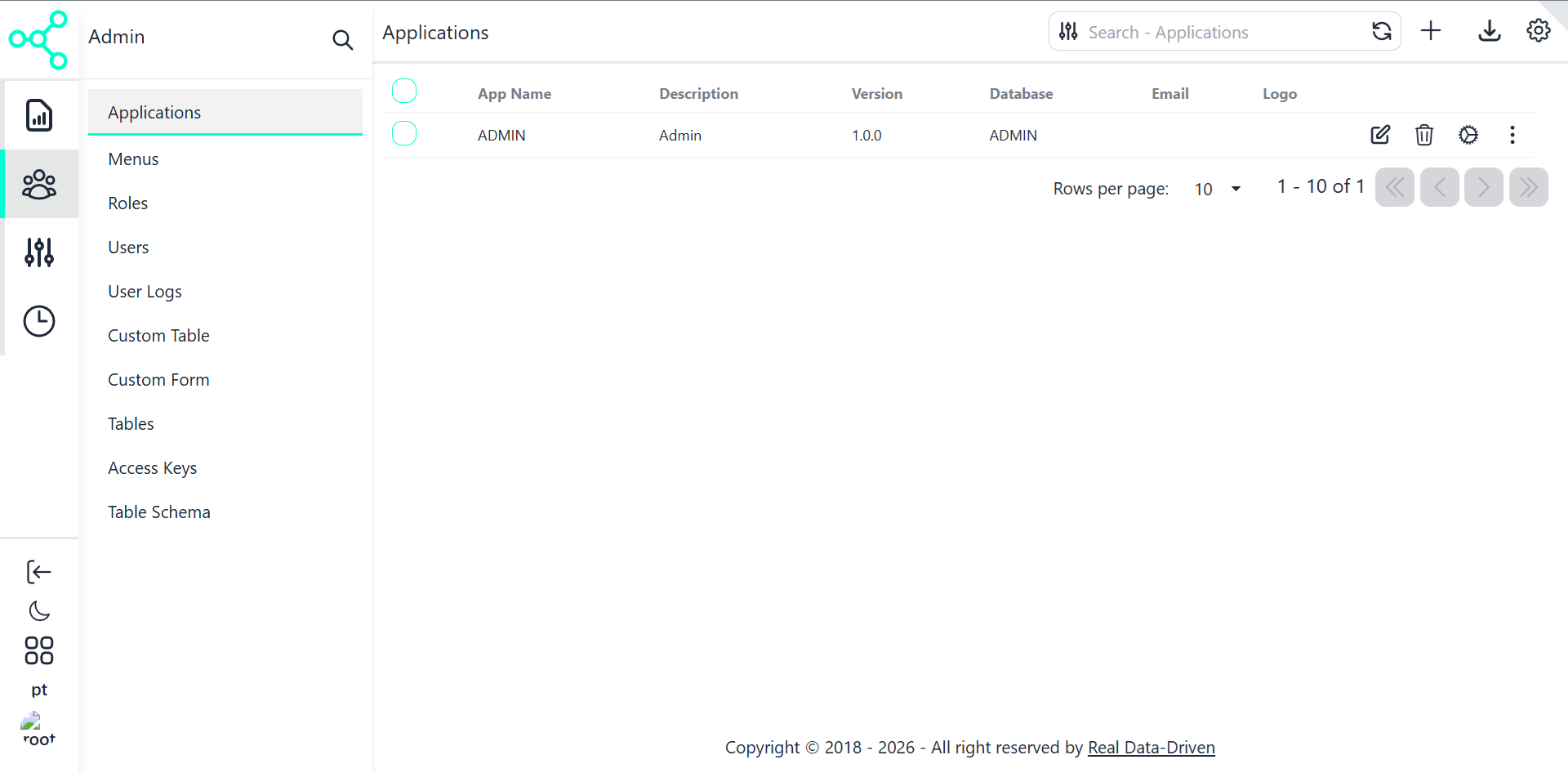
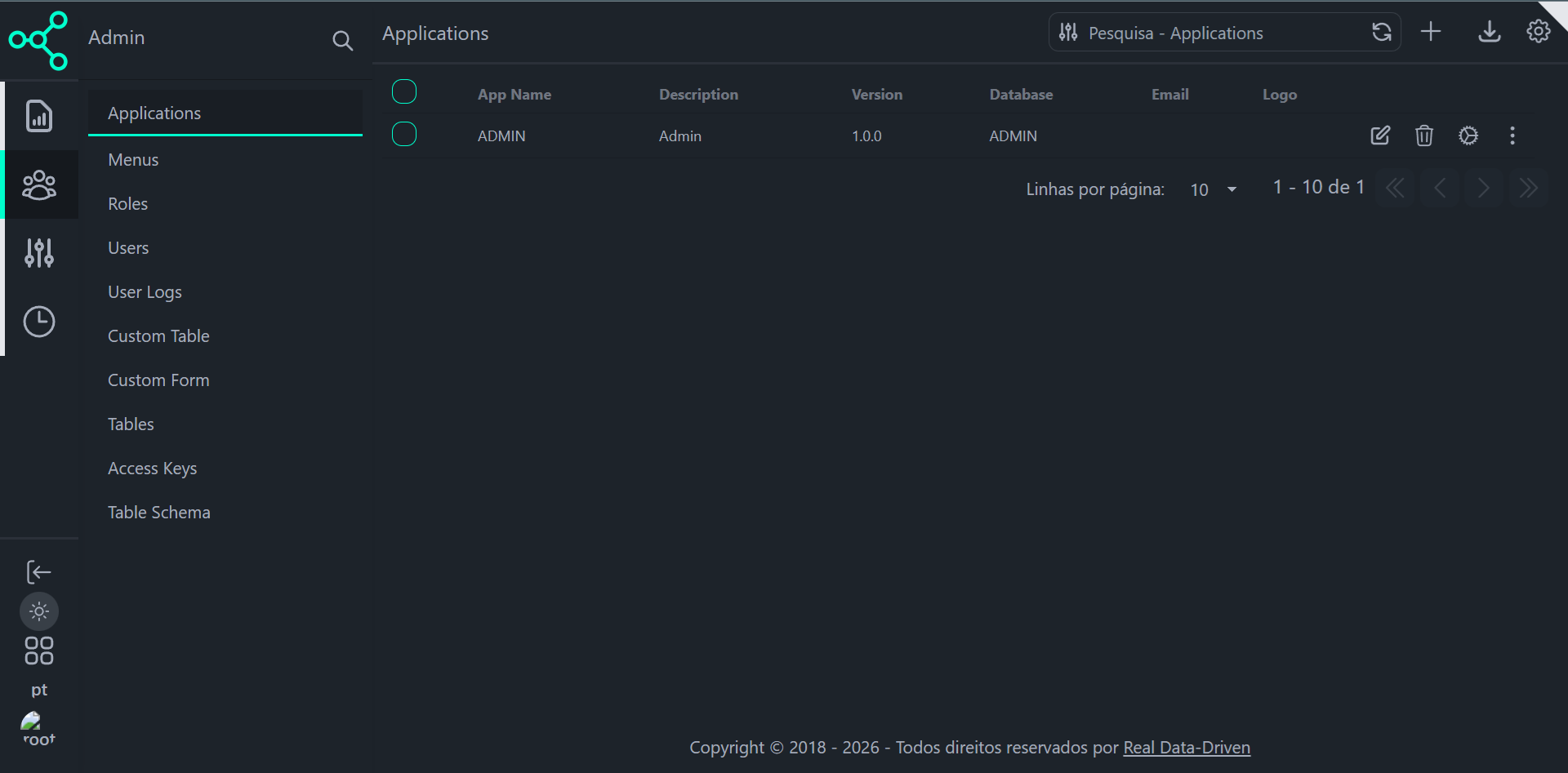
What you see
The Applications screen displays:
App Name
Description
Version
Database name
Associated logo
Action buttons:
- Edit
- Delete
- Configure
- Context menu
Each row corresponds to one application, backed by a database.
How Applications Work
An application is defined by:
A database connection
A set of menus
Each menu contains tables
Tables define:
- Data source
- CRUD behavior
- UI layout
- Forms and widgets
- Permissions
Relationship model
  Application
 └── Menus
      └── Tables
           └── CRUD + Forms + UI behavior
This structure allows you to:
- Expose multiple databases
- Create isolated admin areas
- Reuse the same engine for different domains
- Control visibility per role
Application Load Sequence (API Flow)
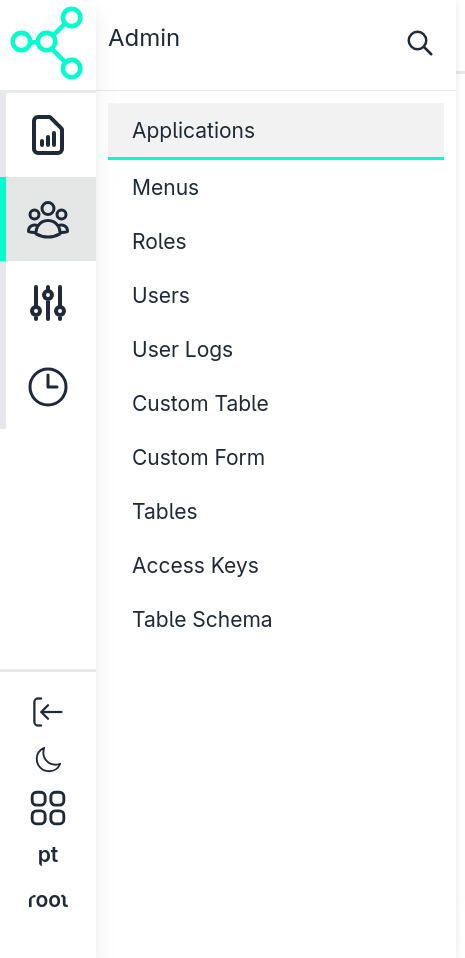
When a user logs in and lands in the ADMIN app, CSGO executes a deterministic sequence of API calls.
This ensures the UI is fully driven by configuration.
Sequence
- Load applications the user has access to
- Load menus for the selected application
- Load table data dynamically
API: Load Applications
Endpoint
GET /dyn_api/admin/apps
Description
Returns the list of applications accessible to the authenticated user.
Authorization
Authorization: Bearer <JWT_TOKEN>
Response (simplified)
  {
  "success": true,
  "data": [
    {
      "app_id": 1,
      "name": "ADMIN",
      "description": "Admin",
      "version": "1.0.0",
      "database": "ADMIN"
    }
  ]
}
API: Load Menus
API: Load Table Data (Dynamic CRUD)
Endpoint
POST /dyn_api/crud/read
Description
Loads table data dynamically based on configuration stored in the ADMIN database.
This endpoint powers:
- Datatables
- Pagination
- Filtering
- Sorting
- Permissions
Request (simplified)
  {
  "table": "apps",
  "page": 1,
  "limit": 10
}
💡 The UI does not know schemas upfront. Everything is resolved at runtime from database metadata.
Extending the ADMIN Application
ADMIN is not special — it follows the same rules as any other app.
You can extend it by:
Creating new tables in the ADMIN database
Associating them with a menu
Configuring:
- Column visibility
- Labels (via column comments)
- Form layout
- Field behavior
- Permissions
No frontend rebuild. No code generation.
Key Principles
- Database = data model
- Applications define context
- Menus define navigation
- Tables define behavior
- UI and API share the same contract
If it exists in the database, it can exist in the UI.
What’s Next
- 👉 Menus & Navigation — how menus are structured
- 👉 Tables & CRUD — configuring data exposure
- 👉 Forms & UI Behavior — layout, widgets, validation
- 👉 Security & Permissions — per-app and per-table access
- 👉 Access Keys & API Tokens — headless integrations
Last updated 19 Jan 2026, 20:10 -01 .